
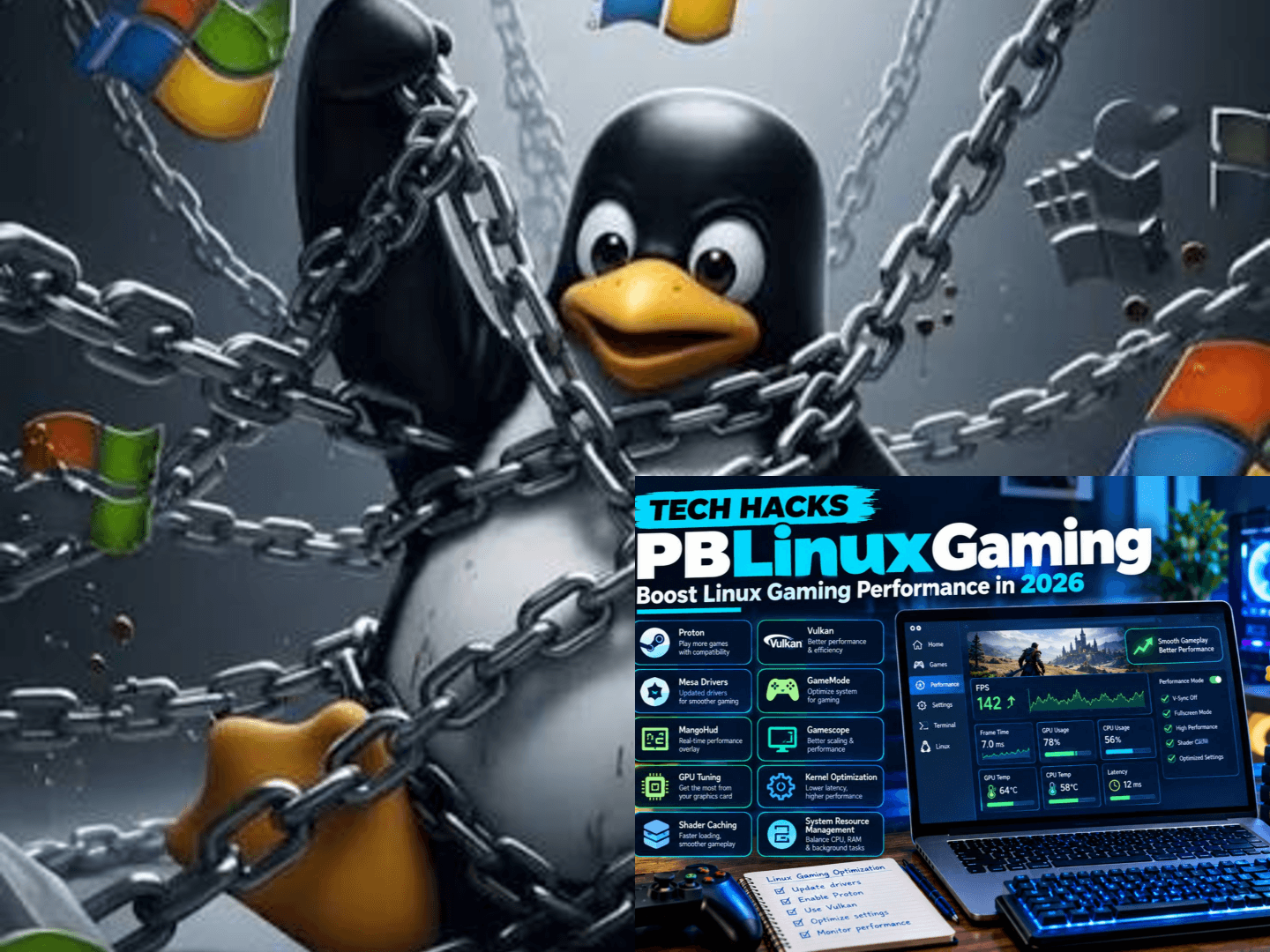
The term “tech hacks pblinuxgaming” refers to a practical set of performance-based tweaks that make Linux a genuinely competitive gaming platform in 2026, and the approach works by stacking several layers of configuration rather than relying on any single magic fix. The core idea is simple enough that anyone who has spent time in Linux gaming forums has likely encountered it. What matters is understanding which layers actually deliver measurable results and which are just noise.
The first layer is distribution choice, and it shapes everything that follows. Pop!_OS ships with NVIDIA drivers already integrated, which reduces the friction for people switching from Windows. Nobara Linux, maintained by GloriousEggroll, bakes gaming-specific adjustments directly into the base install. Arch Linux and EndeavourOS sit at the opposite end, demanding more setup in exchange for more control over what runs and why.
For anyone on a Steam Deck, much of this work is already done. SteamOS is built on Arch and arrives heavily optimized, which is a major reason the handheld has normalized Linux gaming for people who would never open a terminal. Valve released Proton on August 21, 2018, and the project has since evolved into the backbone of Windows game compatibility on Linux.
Proton is the compatibility layer that actually makes Windows games run, and it deserves attention because most performance tweaks operate on top of it. Valve developed Proton in cooperation with CodeWeavers, combining a patched version of Wine with libraries like DXVK and VKD3D-Proton. DXVK translates Direct3D 8, 9, 10, and 11 calls into Vulkan, while VKD3D-Proton handles Direct3D 12.
This translation layer matters because Vulkan often carries lower driver overhead than DirectX, and in specific cases a game can run slightly faster on Linux than on Windows using identical hardware. That outcome is not universal and depends heavily on the title, but it happens often enough to be worth noting. ProtonDB serves as the community resource for checking which Proton version works best before purchasing or installing a game.
Kernel and CPU tuning form the next layer, and this is where the “hack” reputation originates. Standard distribution kernels are built for general-purpose computing, not the low-latency scheduling that gaming benefits from. Custom kernels like Zen, Liquorix, and XanMod adjust scheduler behavior to prioritize responsiveness, which can reduce input lag and stutter in CPU-heavy titles.
CPU governor settings are a simpler change with immediate effect. Most distributions default to a balanced or power-saving governor to extend battery life and reduce heat. Switching to a performance governor keeps the CPU at higher clock speeds consistently rather than scaling up and down, eliminating a small but real source of frame-time inconsistency during gameplay.
GameMode automates much of this work, and it is one of the lowest-effort tools available. Developed by Feral Interactive, GameMode is a daemon and library combination that allows games to request temporary system optimizations. When a game launches, GameMode applies CPU governor changes, adjusts I/O priority, and can inhibit the screensaver, reverting everything once the game closes.What the Search Results Show
A separate entity called PBL_Gaming does exist as a Twitch streamer, but this is unrelated to the “pblinuxgaming” term. Below is the bio table for that streamer, based on available sources.
Important Note
The YouTube analytics result (58,280 subscribers) may not correspond to the same person as the Twitch streamer, as the source does not confirm a direct connection between the two accounts. No verified information was found for birthplace, height, education, awards, or spouse for the Twitch streamer.
GameMode was designed as a stop-gap solution for Intel and AMD CPU powersave governors, but it has expanded to support process niceness, kernel scheduler tweaks, and GPU performance modes for NVIDIA and AMD hardware. The default configuration sets the CPU governor to performance when entering GameMode and restores powersave when leaving, which is a sensible baseline for most users.
Monitoring tools complete the stack, and MangoHud is the standard choice for verification. MangoHud is a Vulkan and OpenGL overlay that displays FPS, frame times, CPU and GPU load, temperatures, and RAM consumption in real time. It works with Steam Proton setups and can be enabled per application through environment variables or launch options.
The value of MangoHud lies in verification. Without a monitoring overlay, it is impossible to know whether a configuration change actually improved performance or merely felt different. Frame-time graphs are particularly useful because stutter often occurs without significant changes to average FPS, and frame timing reveals what average numbers hide.
A critical limitation applies to multiplayer games with kernel-level anti-cheat. Easy Anti-Cheat and BattlEye require opt-in support from each publisher, and no Proton version can bypass that requirement. Games like Call of Duty, Fortnite, Valorant, and League of Legends remain blocked regardless of configuration, which means the roughly 10% of Windows games that do not run on Linux disproportionately include the most popular competitive titles.
Compatibility data from ProtonDB shows that nearly 90% of Windows games now run on Linux, with 42% of October 2025 releases rated Platinum, meaning they work perfectly without user adjustments. That figure represents a significant jump from 29% the previous year. The remaining failures are primarily anti-cheat related rather than technical incompatibility.
No universal performance number exists for this approach. A driver update might dramatically improve one system and have almost no effect on another. A Proton version change might fix a game completely for one user while another sees no difference. An optimization that helps a CPU-limited game will not necessarily help a GPU-limited title, and that variance is normal rather than a sign of failure.
The practical takeaway is to change one variable at a time and measure the result. Check hardware first, update the system, verify graphics drivers, test the game with a baseline recording, try the recommended Proton version, and only then consider kernel or system-level adjustments. This sequential approach prevents the confusion that comes from modifying everything at once and losing track of what actually helped.1. What exactly is “tech hacks pblinuxgaming”?
It is not a single tool or product. It is community shorthand for performance-based Linux gaming tweaks, where “PB” stands for performance-based. The approach stacks several layers, including distribution choice, kernel tuning, Proton configuration, and monitoring tools. Notably, Ubuntu and Steamworks official documentation do not list this term, so treat SEO articles using it with some caution.
2. What is the first step for optimizing game performance on Linux?
Start by checking your hardware and driver status. Confirm your GPU is correctly detected and that Vulkan is working properly. Update your system and record a baseline performance test before changing anything. Change only one variable at a time, so you can tell which adjustment actually helped.
3. What is the difference between GameMode and MangoHud?
They serve different purposes and usually work together. GameMode, developed by Feral Interactive, temporarily adjusts CPU governor and I/O priority when a game launches, then restores settings afterward. MangoHud is a Vulkan and OpenGL overlay showing FPS, frame times, temperatures, and usage. GameMode optimizes automatically, while MangoHud verifies whether those optimizations worked.
4. Why do some multiplayer games not run on Linux?
The blocker is usually anti-cheat, not raw compatibility. User-mode versions of Easy Anti-Cheat and BattlEye can run through Proton, but only if the publisher manually enables Linux support. Kernel-level anti-cheat like Vanguard does not work under Proton, so titles such as Valorant remain unavailable. Always check ProtonDB before buying.
5. Does increasing the shader cache size actually reduce stutter?
Yes, especially for stutter during first loads or scene transitions. Shaders must be compiled on first use, and a cache stores them for reuse. In Steam launch options, AMD and Intel users can set MESA_SHADER_CACHE_MAX_SIZE=10G %command%, while NVIDIA users can set __GL_SHADER_DISK_CACHE_SIZE=10737418240 %command%. Results vary by game and hardware, and not all stutter comes from shader compilation.
